![200707 pencil-logo-white-green-white_background-square.png]](https://support.pencilpay.com/hs-fs/hubfs/200707%20pencil-logo-white-green-white_background-square.png?width=150&height=53&name=200707%20pencil-logo-white-green-white_background-square.png)
Follow these steps:
- Log into your PencilPay account.
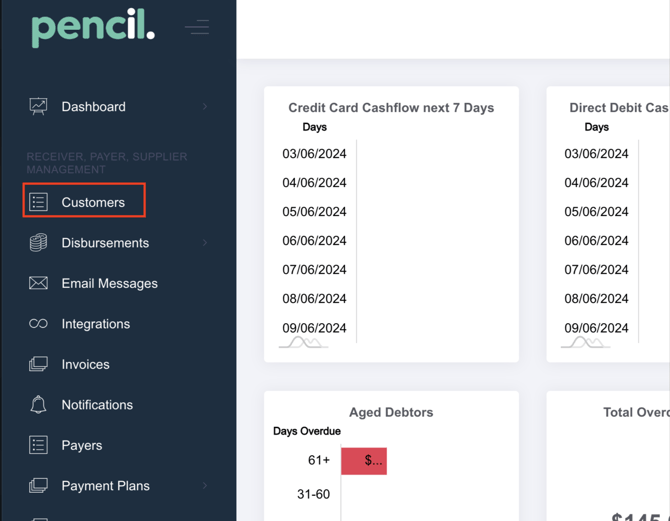
- Go to Customers and search for the customer.
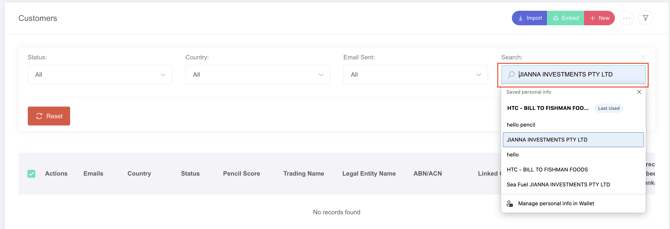
- Under "Actions" click on the (...) More Actions and then select Customer Settings.

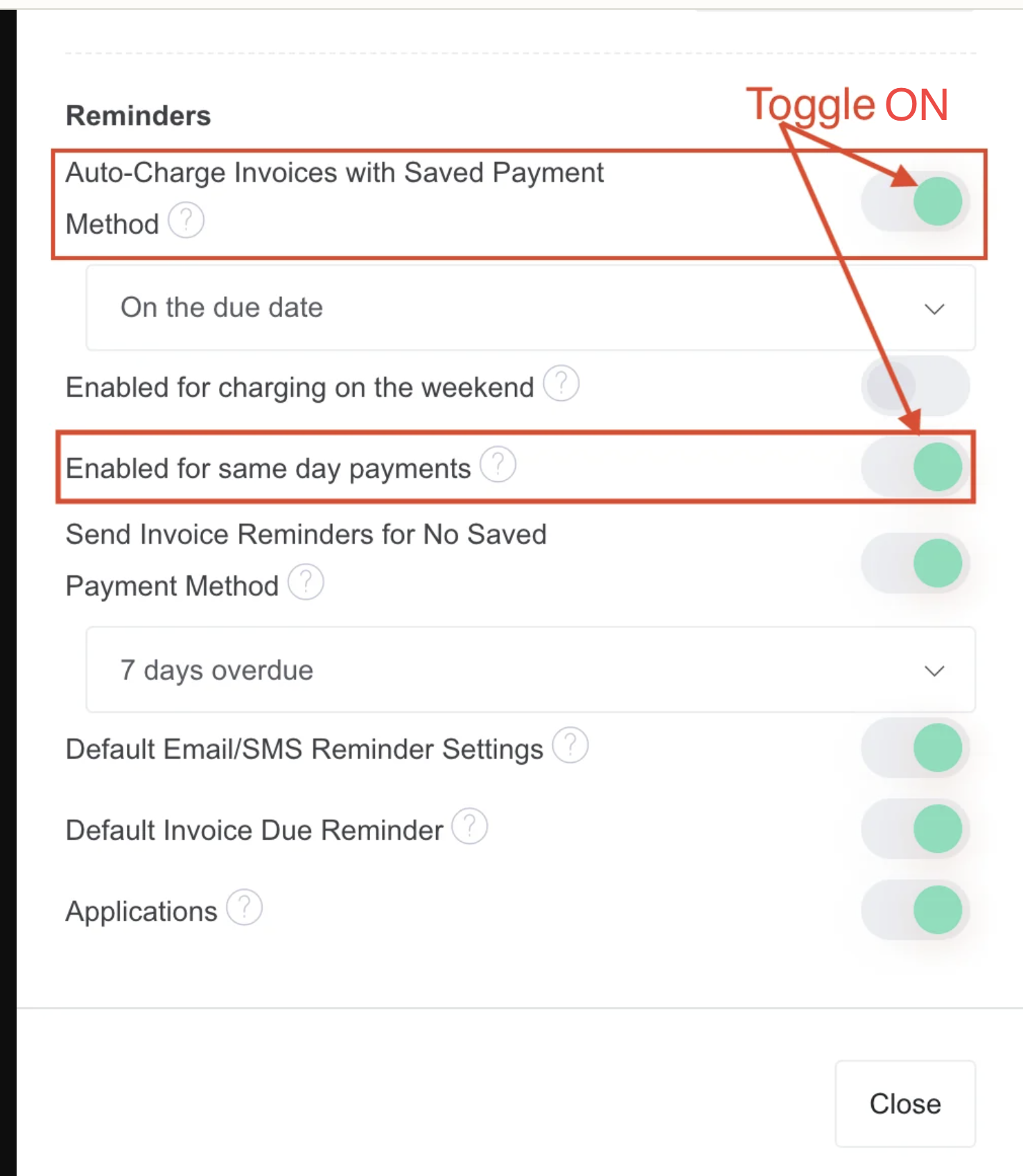
- Scroll down to "Reminders" and then you can toggle ON "Auto-Charge Invoices with Saved Payment Method" and "Enabled for same day payments" and hit "Save".